 Buckets
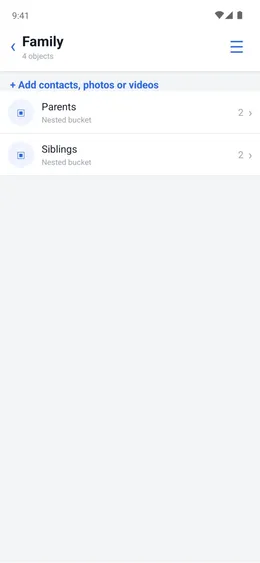
Put photos, contacts and documents under one name. A bucket can hold other buckets.
Your buckets
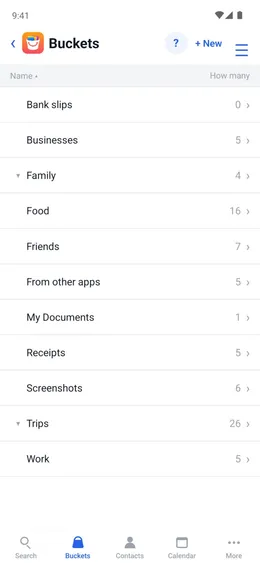
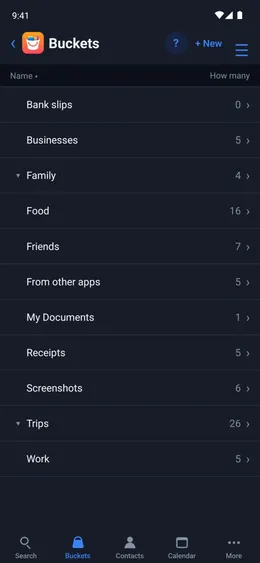
Name them the way you think of them. The list shows how much is in each one.
Menu ☰ → Buckets
- Tap + New and enter the name.
Buckets in buckets
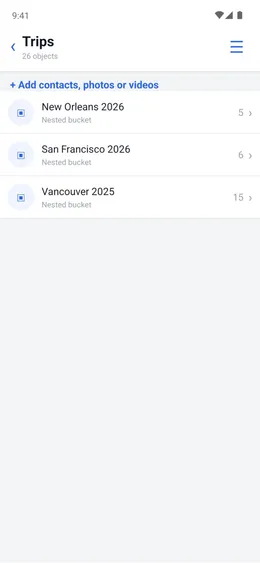
Vancouver 2025, New Orleans 2026 and San Francisco 2026 are inside Trips. Searching Trips finds everything in all three.
Menu ☰ → Buckets → the bucket → ☰
- Tap “Nest inside another bucket” and choose the main bucket, such as Trips.
More than one bucket
A photo can be in Family and in New Orleans 2026 at the same time. It is found by searching either one.
The photo
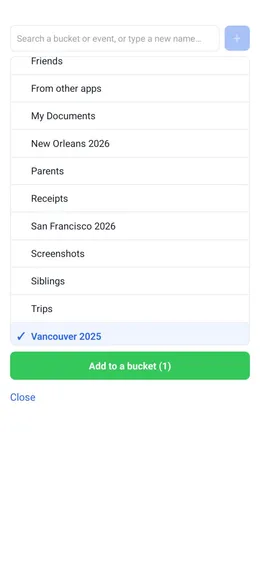
- Tap Add to a bucket and choose each bucket.
Contacts are buckets
Every contact is a bucket of its own. Put a contact in Friends or Family like anything else.
Menu ☰ → Contacts → the contact
- Tap “Add or change buckets” and choose one.