 Buckets
Phone sync
Buckets and your phone keep each other up to date: contacts, calendar, photos and videos.
Contacts
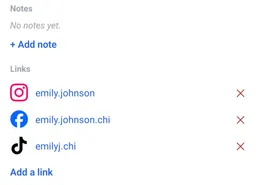
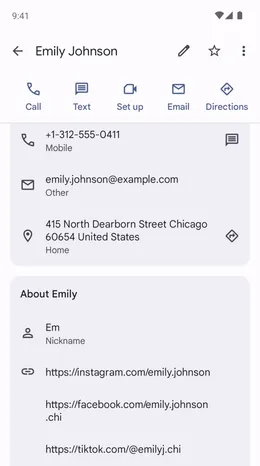
A nickname or a link added in Buckets is on the phone's contact a moment later. A number changed on the phone is on the card in Buckets.
Menu ☰ → Contacts → the contact
- Tap Edit on the phone to change it in the phone's own contacts.
Calendar
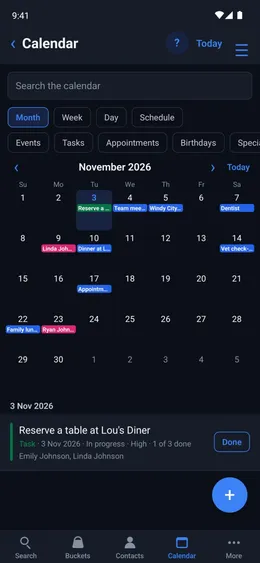
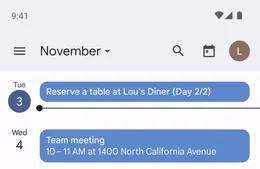
An event or task made in Buckets is in the phone's calendar. An entry made, changed or deleted in the phone's calendar stays the same in Buckets.
Menu ☰ → Calendar
Photos
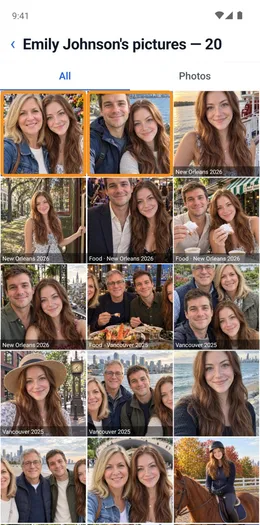
New photos and videos are in Buckets a moment after they reach the phone.
Kept only in Buckets
Buckets, other names, gender and face pictures stay in Buckets. A contact deleted from Buckets stays on the phone.
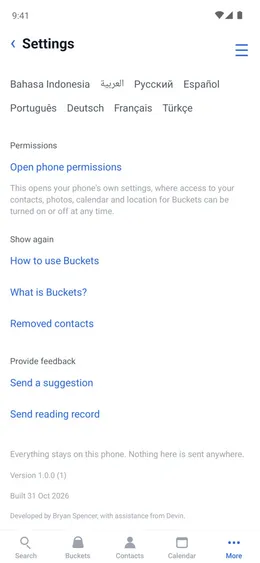
Menu ☰ → Settings → Removed contacts
- Tap a contact to show it in Buckets again.